 Join Discord
In-game menus
XEX plugins that load with the game and give you a proper menu on screen — camos, options, the lot. One title at a time, done right.



FREE MENUS & TOOLS FOR XBOX 360
Your console. No limits.
In-game menus for your JTAG or RGH, Windows tools and utilities.
Free, standalone, and growing.
Free. No account needed. 27 releases and counting.
Fresh off the console
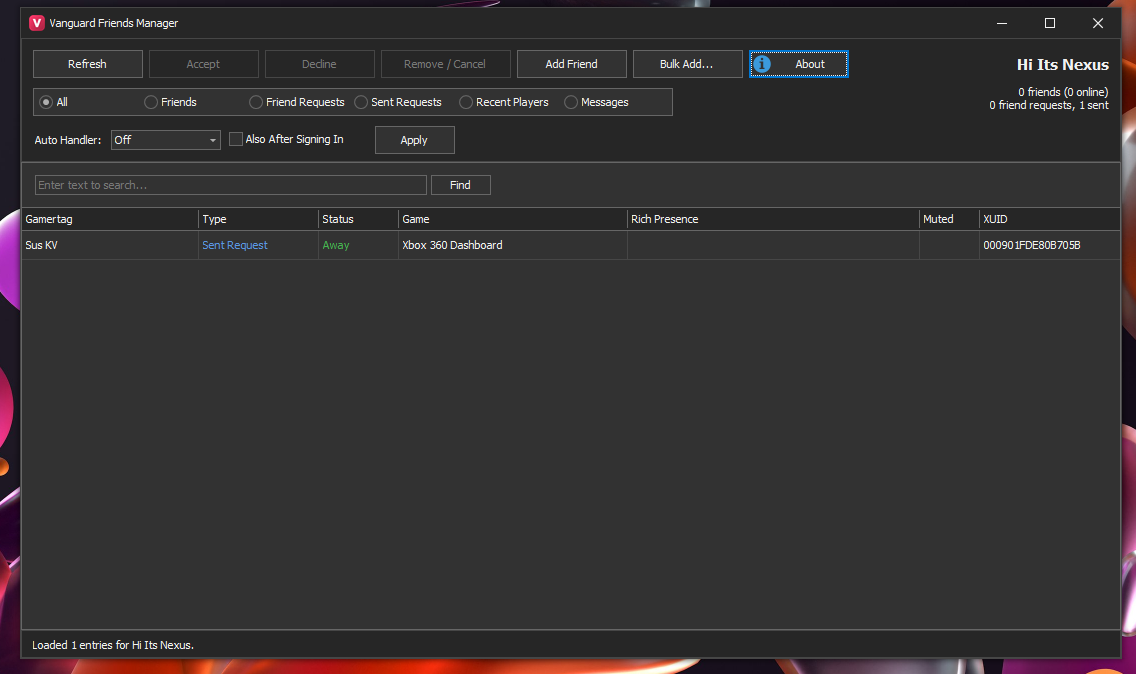
Tool
Xbox 360 + Windows50.3 MB · 31 downloads
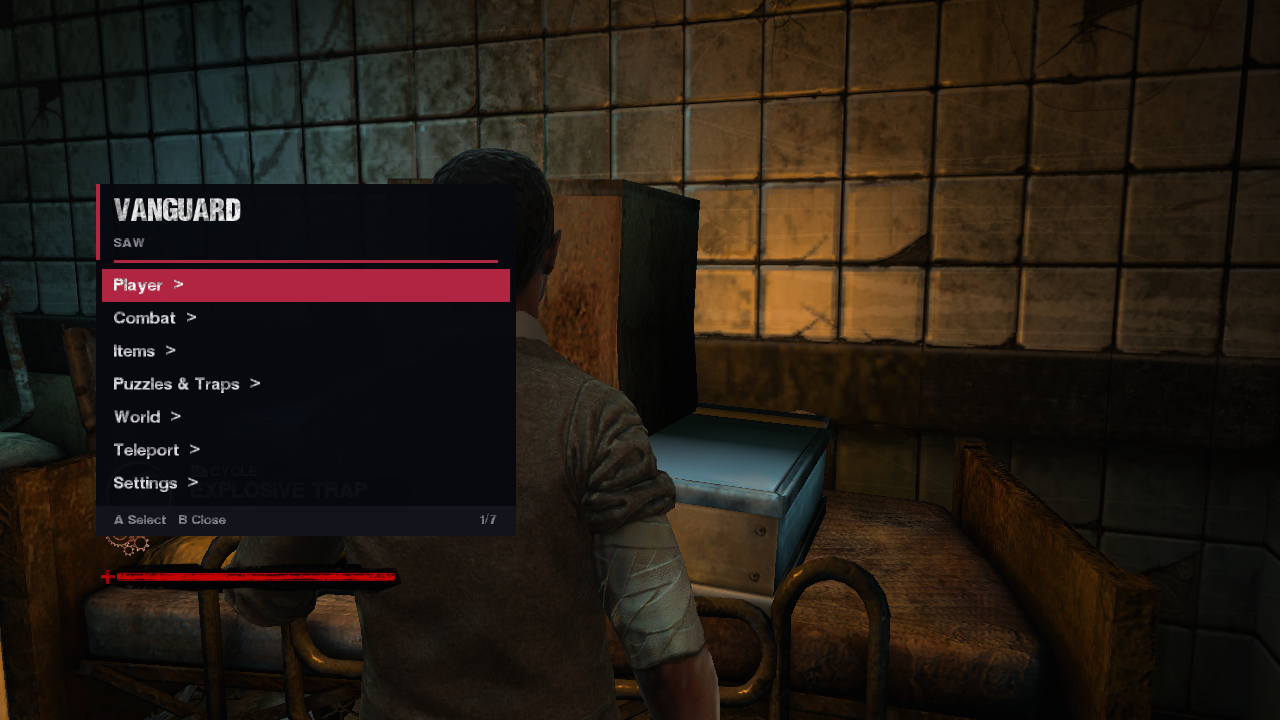
Game menu
Xbox 36040 KB · 24 downloads
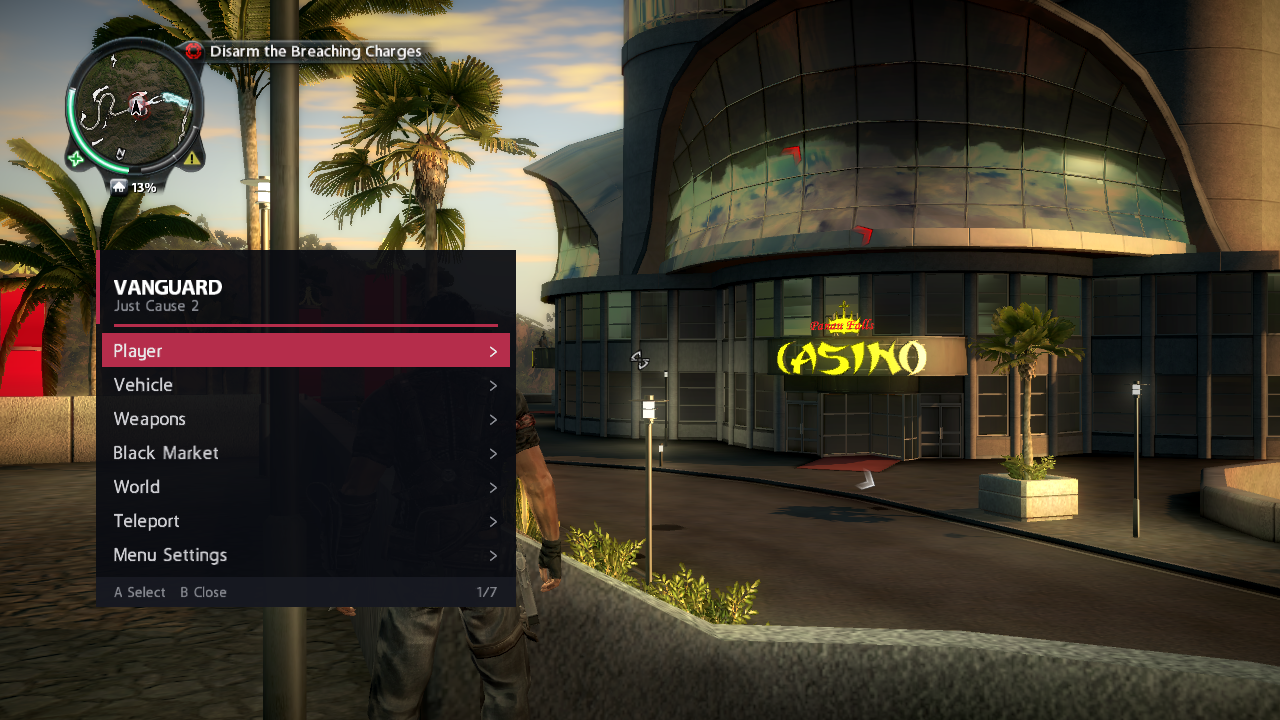
Game menu · Just Cause 2
Xbox 36040 KB · 24 downloads
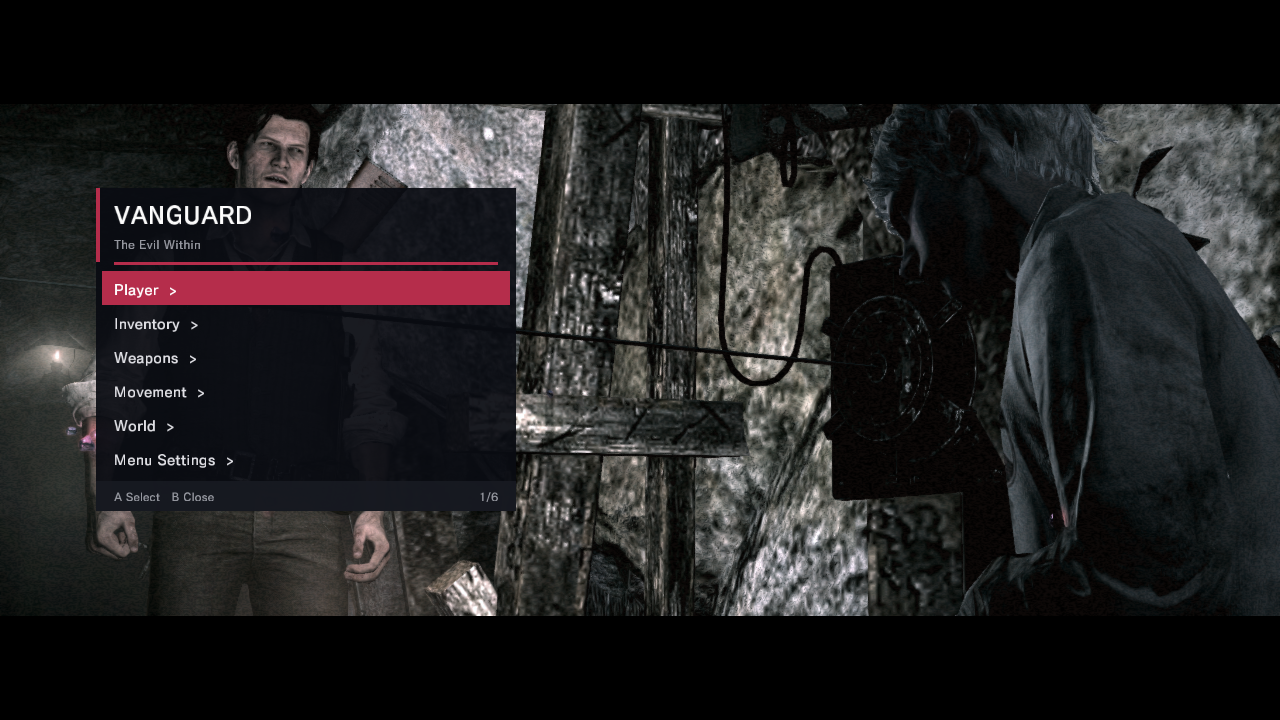
Game menu · The Evil Within
Xbox 36036 KB · 28 downloads
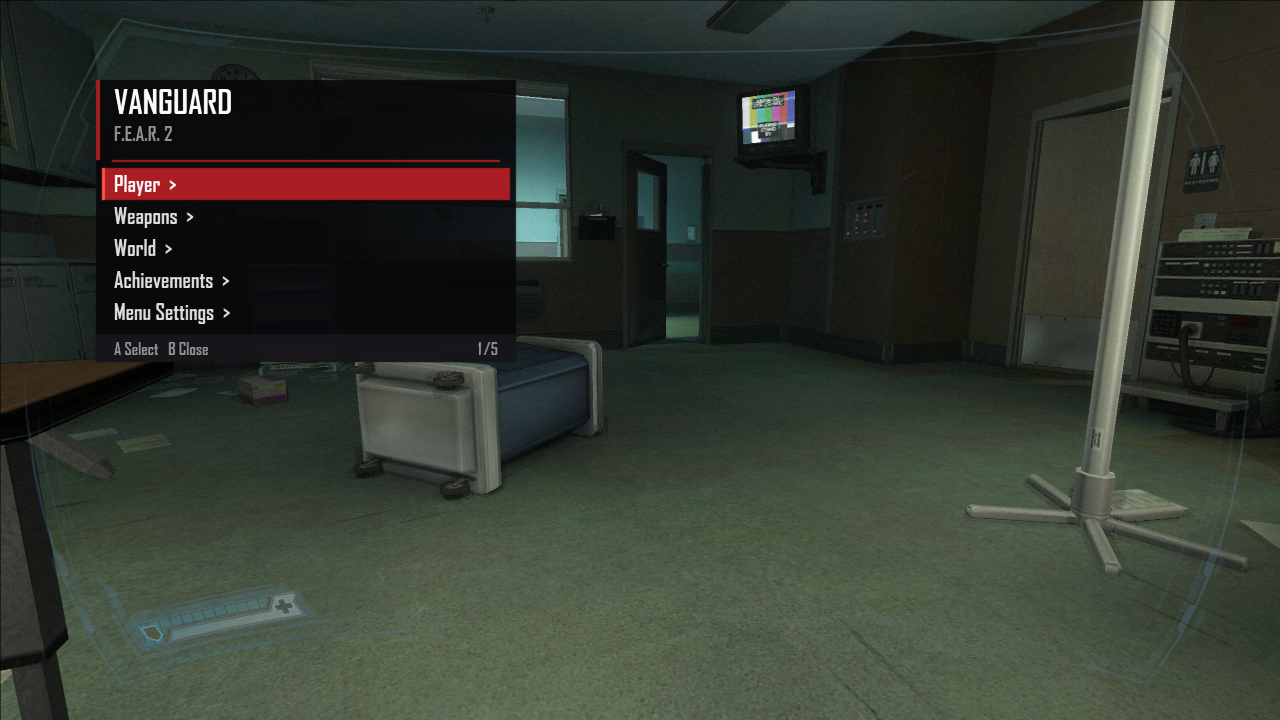
Game menu · F.E.A.R. 2: Project Origin
Xbox 36036 KB · 28 downloads
What you'll find here
XEX plugins that load with the game and give you a proper menu on screen — camos, options, the lot. One title at a time, done right.
Standalone PC utilities and editors for your console and games. Some pair with a menu, most stand on their own.
Every release is free. Versions, file hashes and changelogs are on each project page so you always know what you've got.
Get up and running
Before you get started
Yes. No key, no account, no payment. Download and go.
For game menus: a JTAG or RGH Xbox 360 with Dashlaunch (or another way to load XEX plugins). For Windows tools: a PC with .NET Framework 4.7.2 or later. Each project page lists its exact requirements.
Menus are drawn on your console only. Use them in private matches or offline — we don't support or recommend using them in public lobbies.
Every project page shows the file's SHA-256. Downloads come straight from this site; if you got a file anywhere else, compare the hash.
Join the Discord and ask — someone will get you sorted.