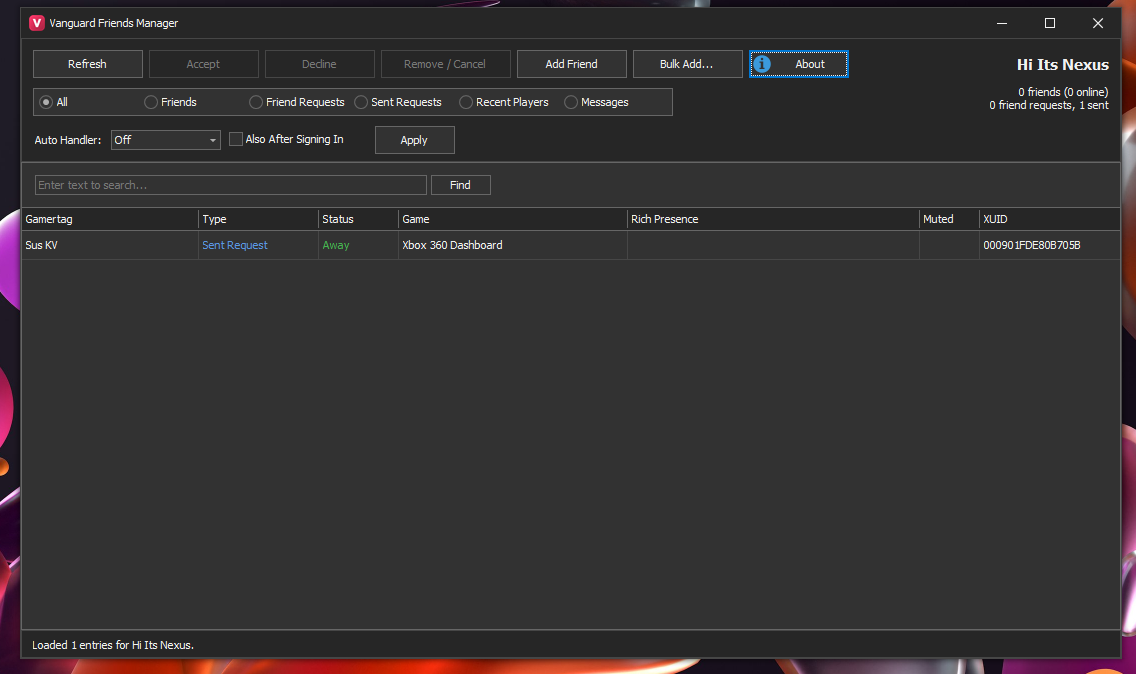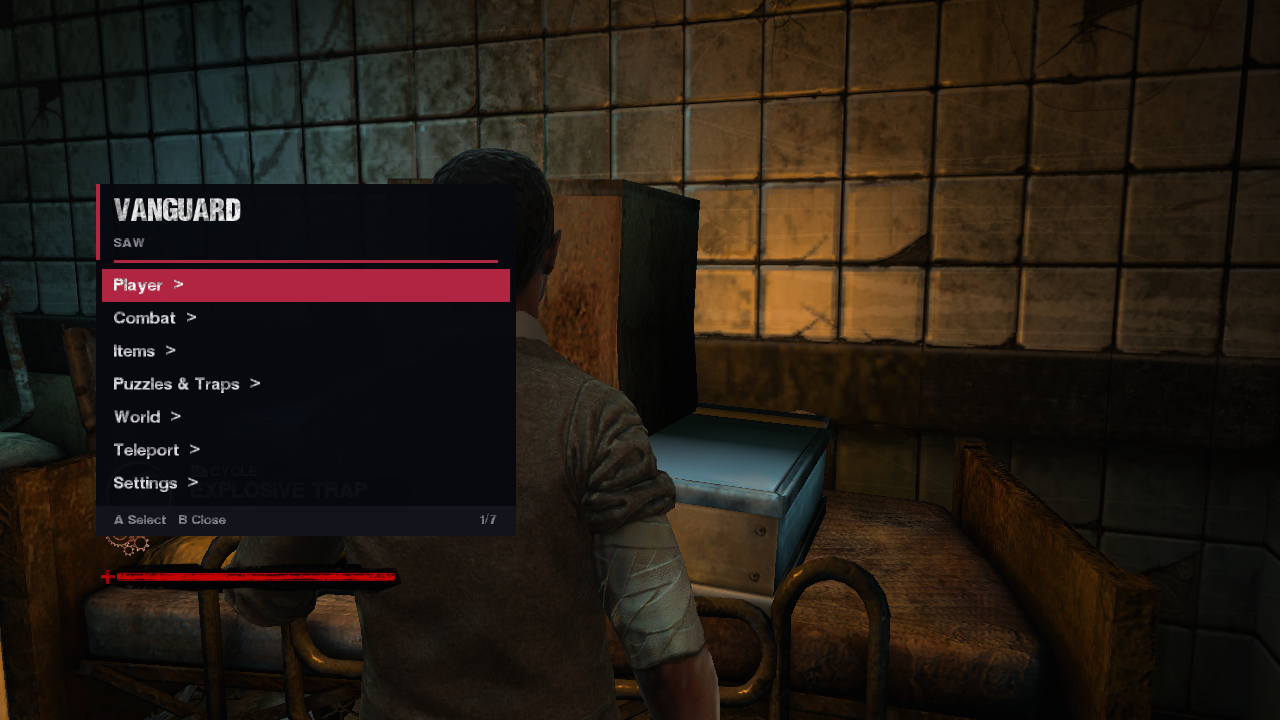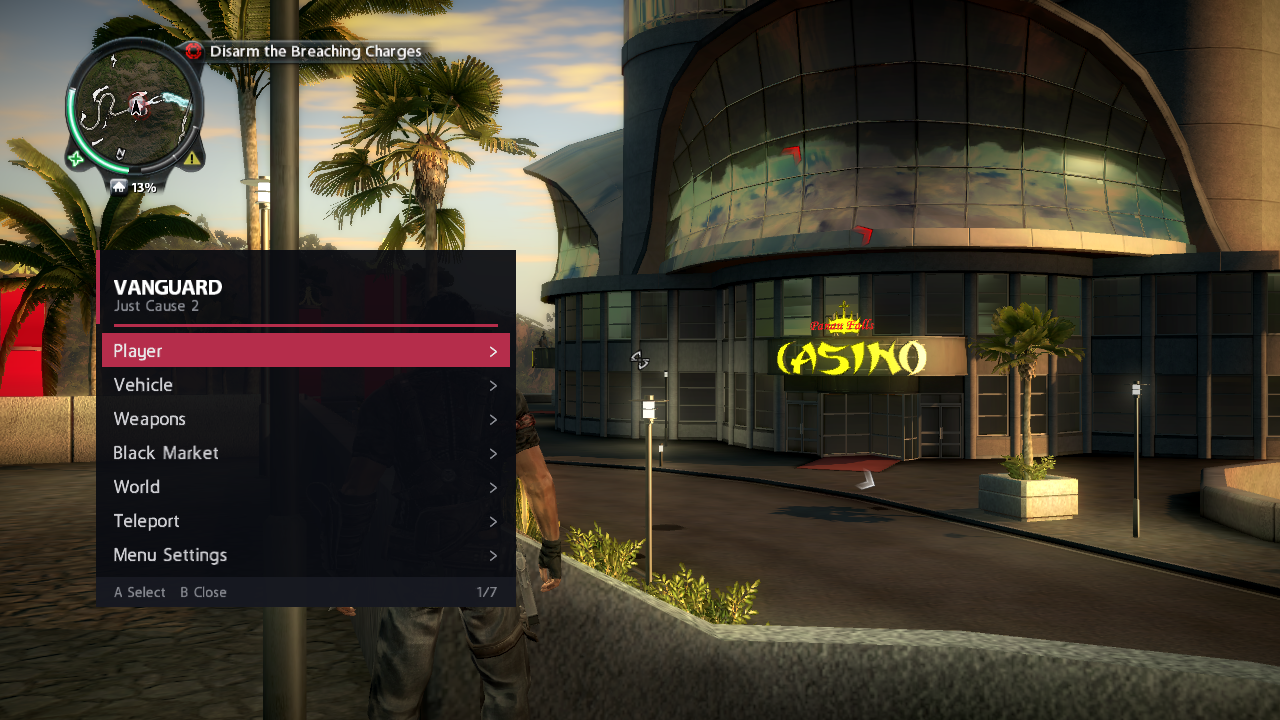

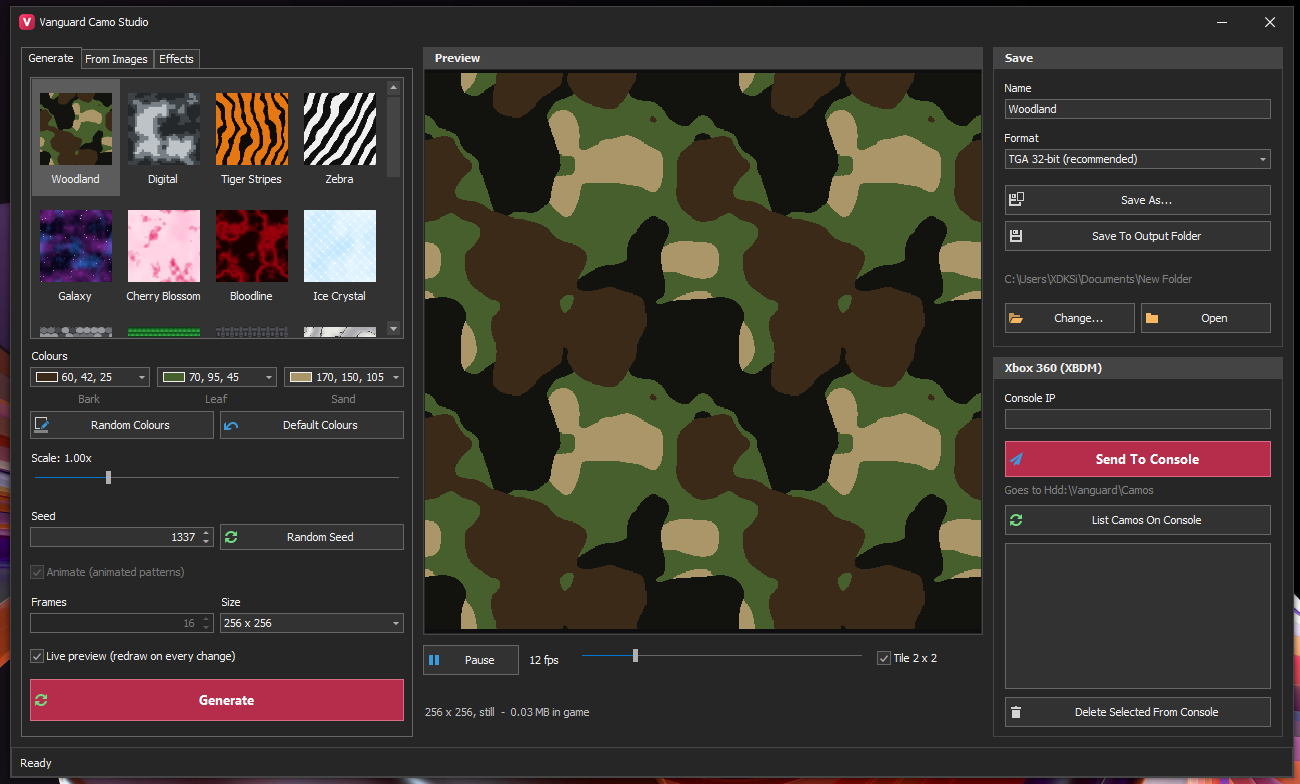
Generate camos from presets (Woodland, Digital, Tiger Stripes, Galaxy, Cherry Blossom, Bloodline and more), build them from your own images, add effects, preview them tiled and animated, then send them to your Xbox 360 over XBDM with one click.
Features
- Preset patterns with editable colours, scale and seed; random colours and seeds for quick variety.
- Animated patterns: choose frame count and size, preview playback at the speed the menu will use.
- From Images: turn any picture into a camo. Effects tab for tints and finishes.
- Saves TGA 32-bit (recommended) or DDS, straight to your output folder.
- Send To Console: type your console IP and the camo lands in Hdd1:\Vanguard\Camos. List and delete camos on the console without leaving the app.
Requirements
- Windows 10 or 11 with .NET Framework 4.7.2 or later
- For Send To Console: an Xbox 360 (JTAG/RGH with XBDM) on the same network
Installation
- Unzip anywhere and run Vanguard Camo Studio.exe. No installer.
- To send camos to the console, enter its IP in the Xbox 360 panel and click Send To Console.
 Stuck on a step? Ask on the Vanguard Discord.
Release history
1.0 Oct 3, 2026
First public release.